Automatic mute自动静音
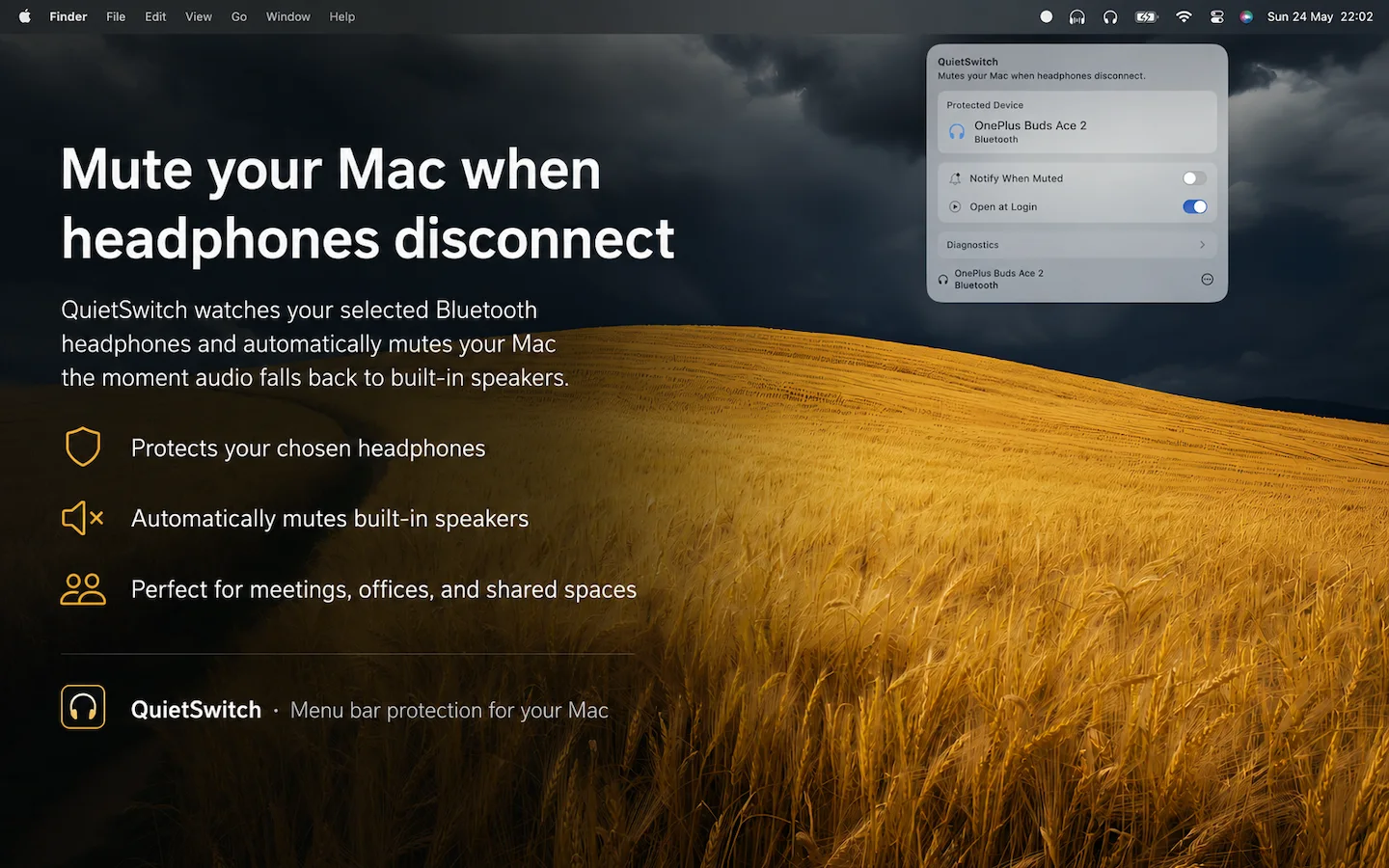
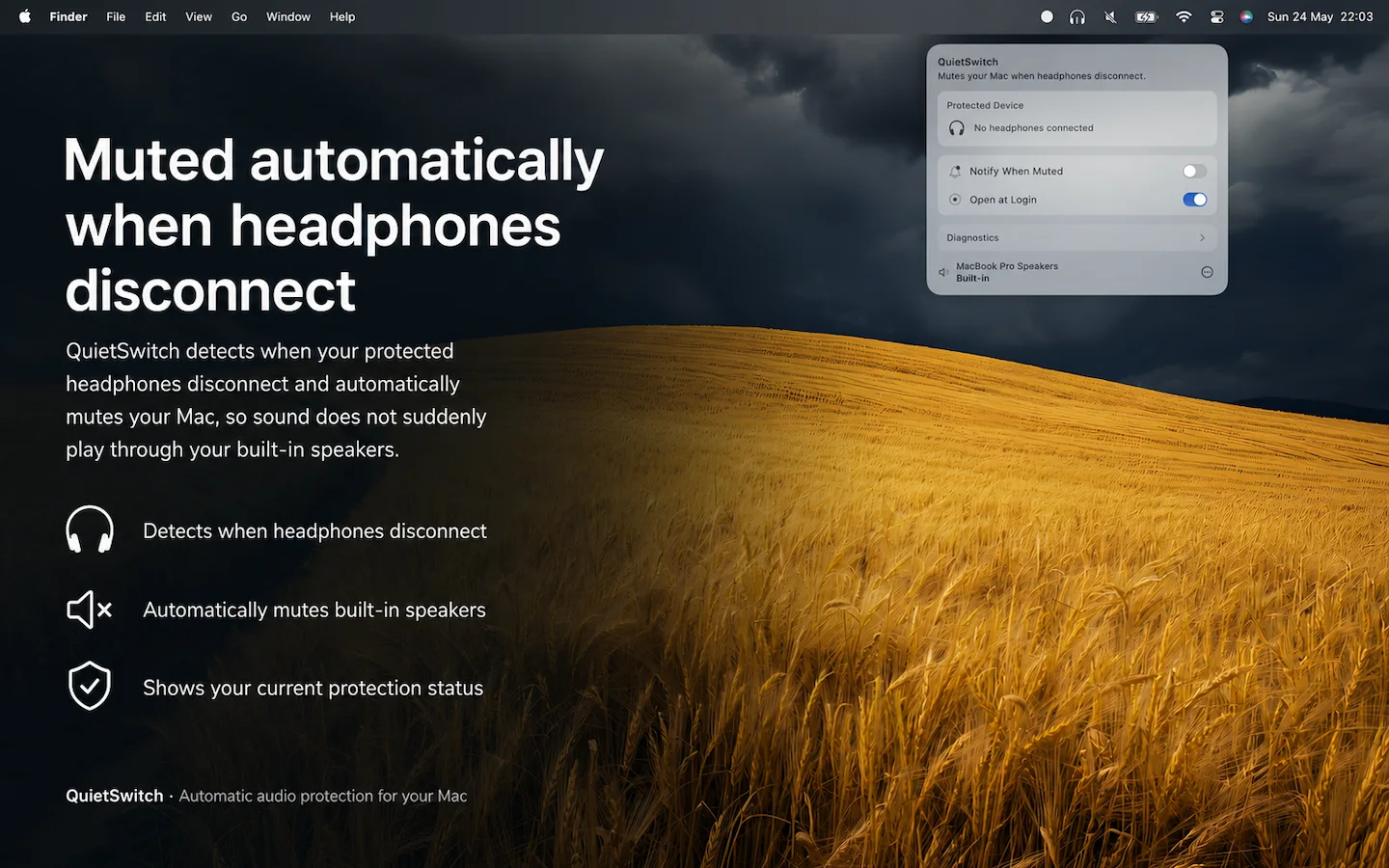
When headphone audio falls back to the built-in speakers, QuietSwitch mutes your Mac.当耳机音频回退到内置扬声器时,QuietSwitch 会自动将 Mac 静音。
QuietSwitch watches local audio output changes and mutes speaker fallback before sound suddenly plays through the built-in speakers. QuietSwitch 监听本机音频输出变化,在声音回退到内置扬声器前自动静音,避免办公室或公共环境里的突然外放。

QuietSwitch is built for office MacBook users, developers, designers, and creators who wear headphones for long work sessions. It stays quiet in the menu bar until it needs to protect you. QuietSwitch 面向办公室 MacBook 用户,以及长时间佩戴耳机工作的开发者、设计师和创作者。它安静地常驻菜单栏,只在需要保护你时介入。
When headphone audio falls back to the built-in speakers, QuietSwitch mutes your Mac.当耳机音频回退到内置扬声器时,QuietSwitch 会自动将 Mac 静音。
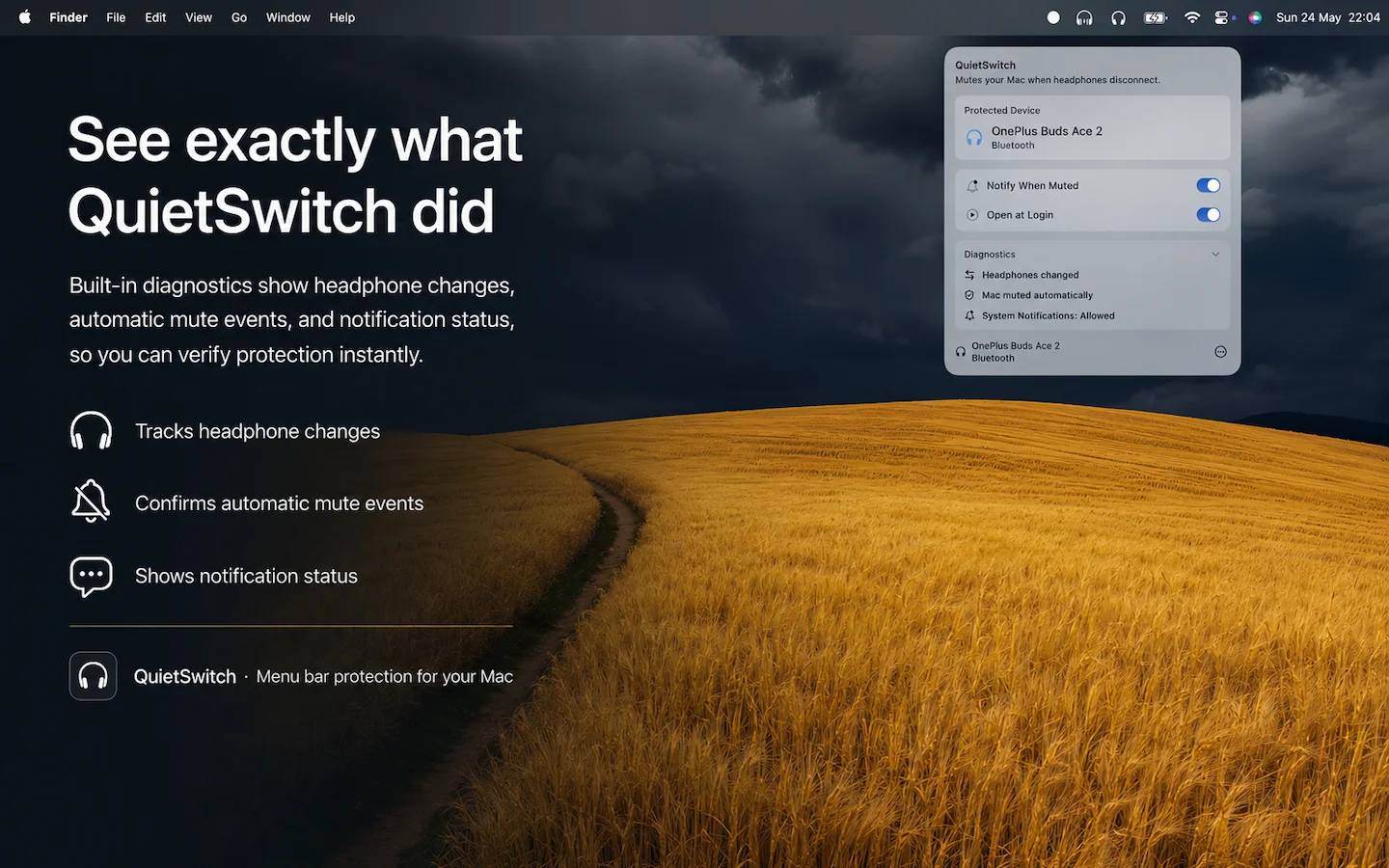
No Dock icon, no heavy dashboard. Status and settings live in a compact macOS menu bar panel.不显示 Dock 图标,不做复杂控制台。状态和设置都在简洁的 macOS 菜单栏面板中。
QuietSwitch does not upload audio, Bluetooth data, or user behavior data.QuietSwitch 不上传音频、蓝牙数据或用户行为数据。
QuietSwitch is not a general audio control center. It focuses on one result: when headphone audio falls back to Mac speakers, the Mac is muted.QuietSwitch 不是通用音频控制中心。它只追求一个结果:耳机音频回退到 Mac 扬声器时,Mac 已经静音。